Installation
Install, update and activate Mr.Moustache plugins with MrAppManager.
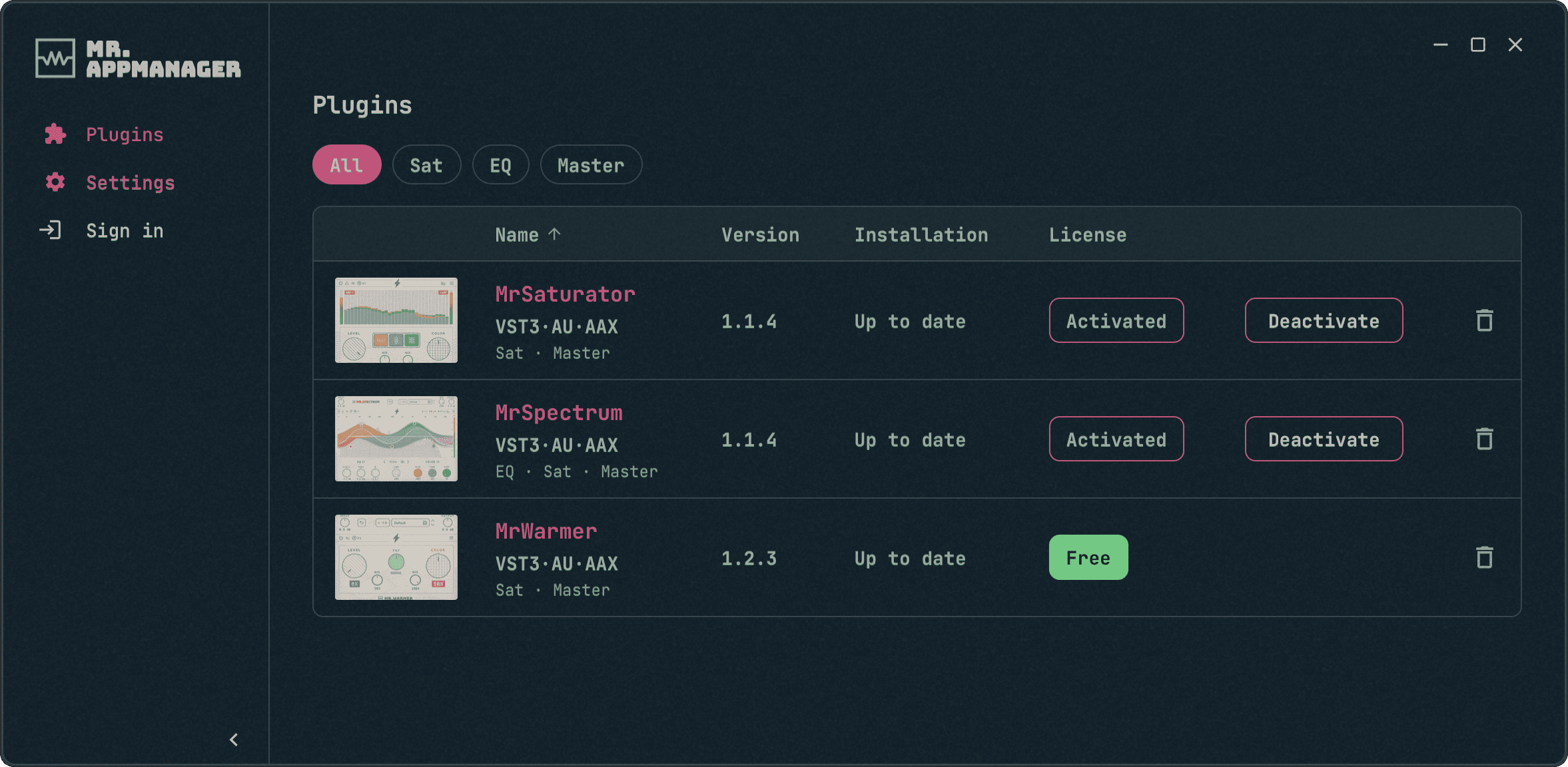
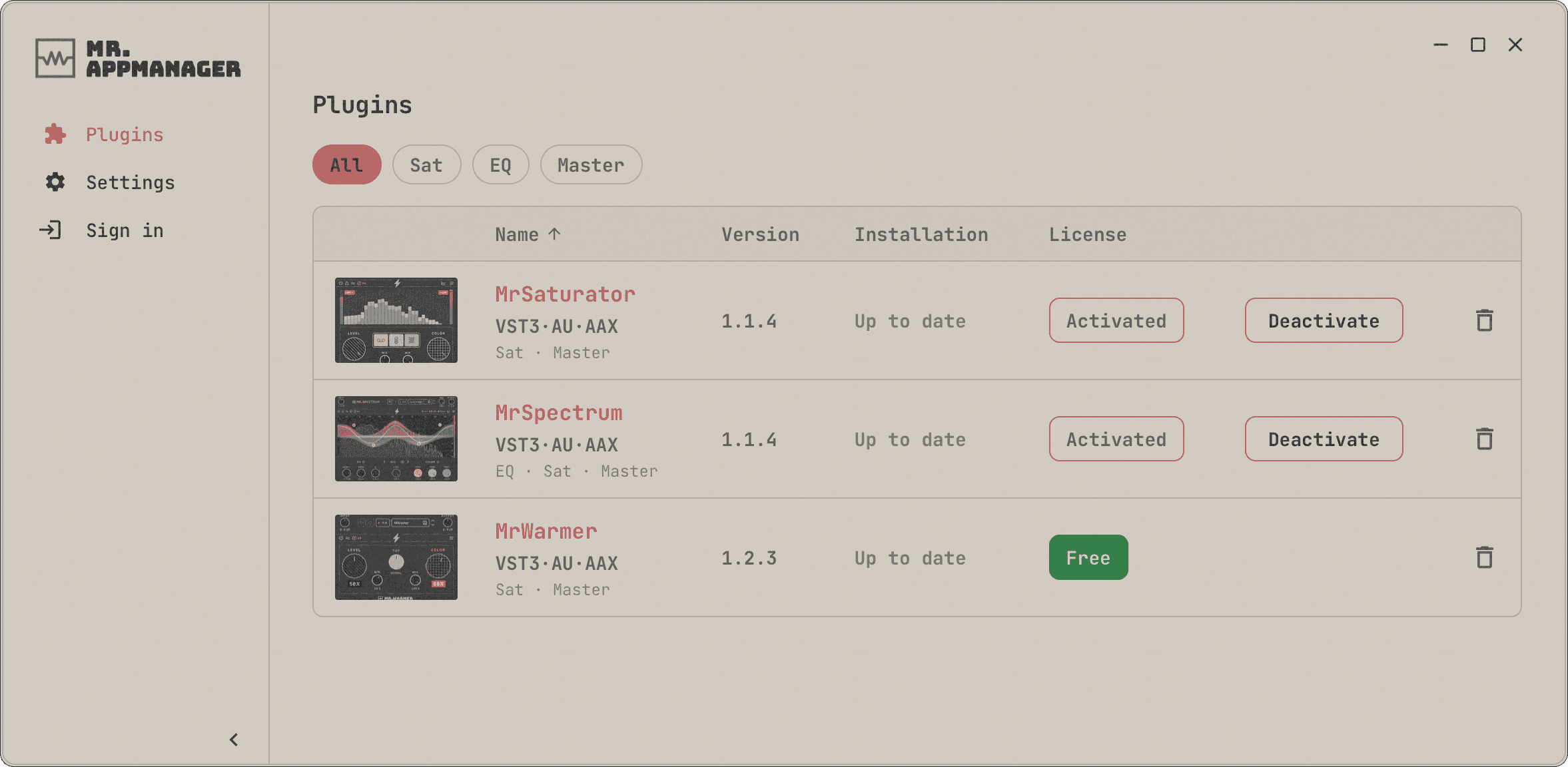
Mr.Moustache's app for macOS and Windows. Use it to install and update the plugins, activate your licenses and release computers you no longer use.
Supported systems
- macOS on Intel and Apple Silicon: VST3, AU and AAX
- Windows 10 (1607) or later, 64-bit (x64): VST3 and AAX
- An internet connection to install, update and activate the plugins
Prefer not to use the app?
Download the installer with all three plugins. Paid plugins are activated from inside the plugin with your serial number; to update, download it again here.
Getting started
- Download MrAppManager. On macOS, open the .dmg and drag the app to your Applications folder; on Windows, run the installer.
- In Plugins, click Install on the plugins you want. Your system will ask for administrator permission.
- Open the plugin in your DAW: the 14-day trial starts on its own, with every feature.
- If you've already bought it, click Sign in, enter your purchase email and the code we send you, then click Activate.