Mr.Motion
14-day trial
Mr.Motion isn't a corrective plugin, it adds color and movement to your mixes.
Place it wherever in your effects chain you want that color.
Introduction
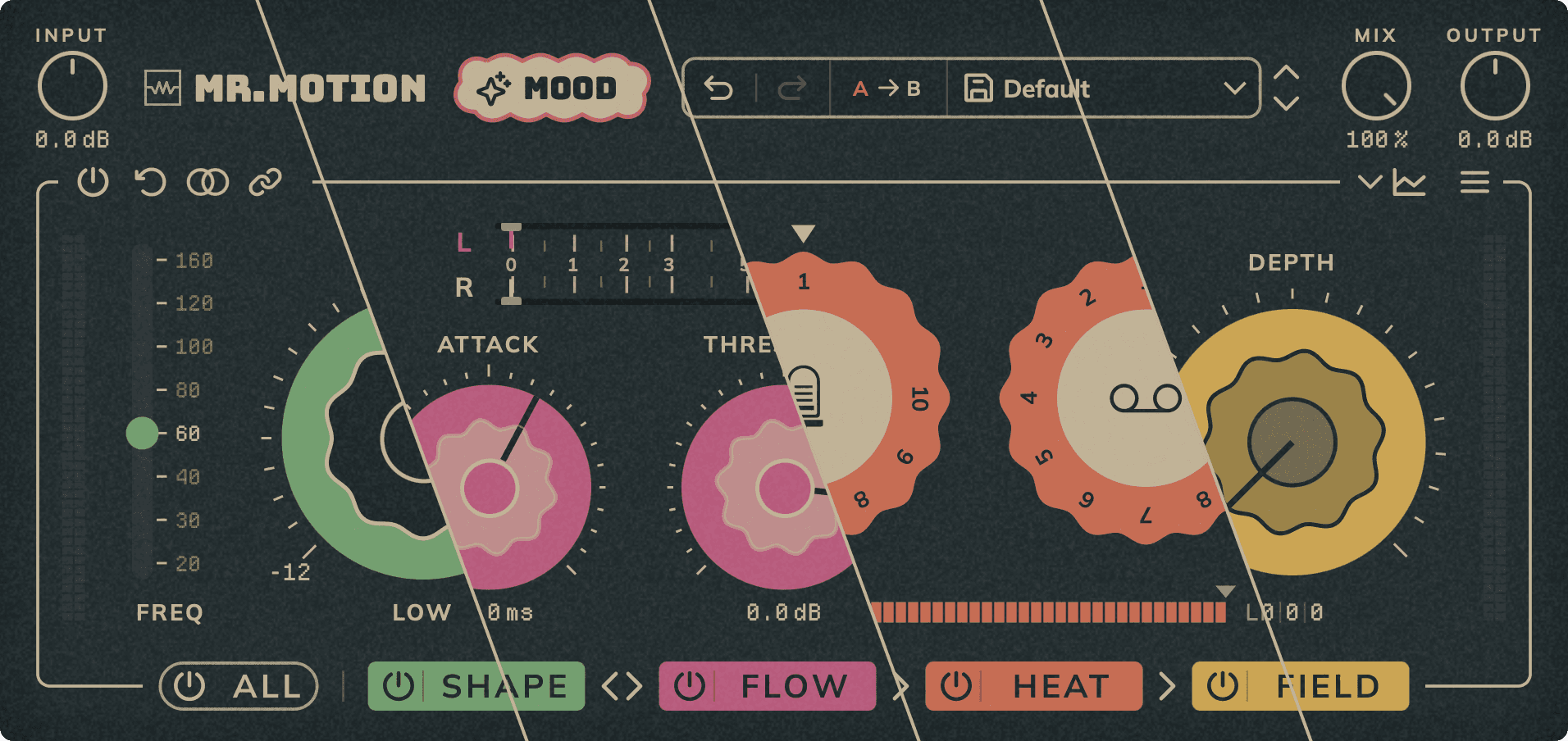
Mr.Motion is a four-module chain for the mix bus and master: SHAPE (vintage-style EQ with tube and transformer saturation), FLOW (VCA-style compressor with a fixed 2:1 ratio), HEAT (tube and tape saturation) and FIELD (three-band stereo imaging). MOOD analyzes the song and sets the chain to give you a starting point.
Installation
- Download MrAppManager from the INSTALLATION PAGE, or the installer with all five plugins if you'd rather not use the app.
- Open MrAppManager, go to Plugins and click Install on Mr.Motion, or run the installer.
- Open your DAW and find Mr.Motion in the plugin list: VST3 and AAX on macOS and Windows; AU on macOS only.
- Insert Mr.Motion on the desired channel's effects chain.
Interface
The global controls are at the top, with the MOOD button next to the logo; the MOOD page or the page of the selected module is in the middle; the chain, with one button per module, is at the bottom. On the knobs, double-click returns to the default value (on the MOOD knob, only on the ring: its centre is the analyze button) and Shift + drag gives fine adjustment. With Help Hints turned on in the menu (it is by default), every control shows its explanation.
Input: Input gain, from −10 to +10 dB, applied before the whole chain.
Output: Output gain, from −10 to +10 dB, applied after the whole chain.
Mix: Dry/wet balance of the whole chain (Shape, Flow, Heat and Field).
Undo / Redo: Undo the last change or redo the last undone one.
A / B: Switch between two independent settings slots to compare them.
Presets: Open the preset menu. The save icon stores the current settings as a user preset and the arrows load the previous or next one.
Chain: SHAPE, FLOW, HEAT and FIELD: each button opens its module page and its power button bypasses it. Drag SHAPE onto FLOW (or the other way round) to swap their order. HEAT always runs after both and FIELD always last.
All: Bypass the whole plugin: the full chain plus INPUT, OUTPUT, MIX and MONO.
Analyzer: Show or hide the analyzer panel.
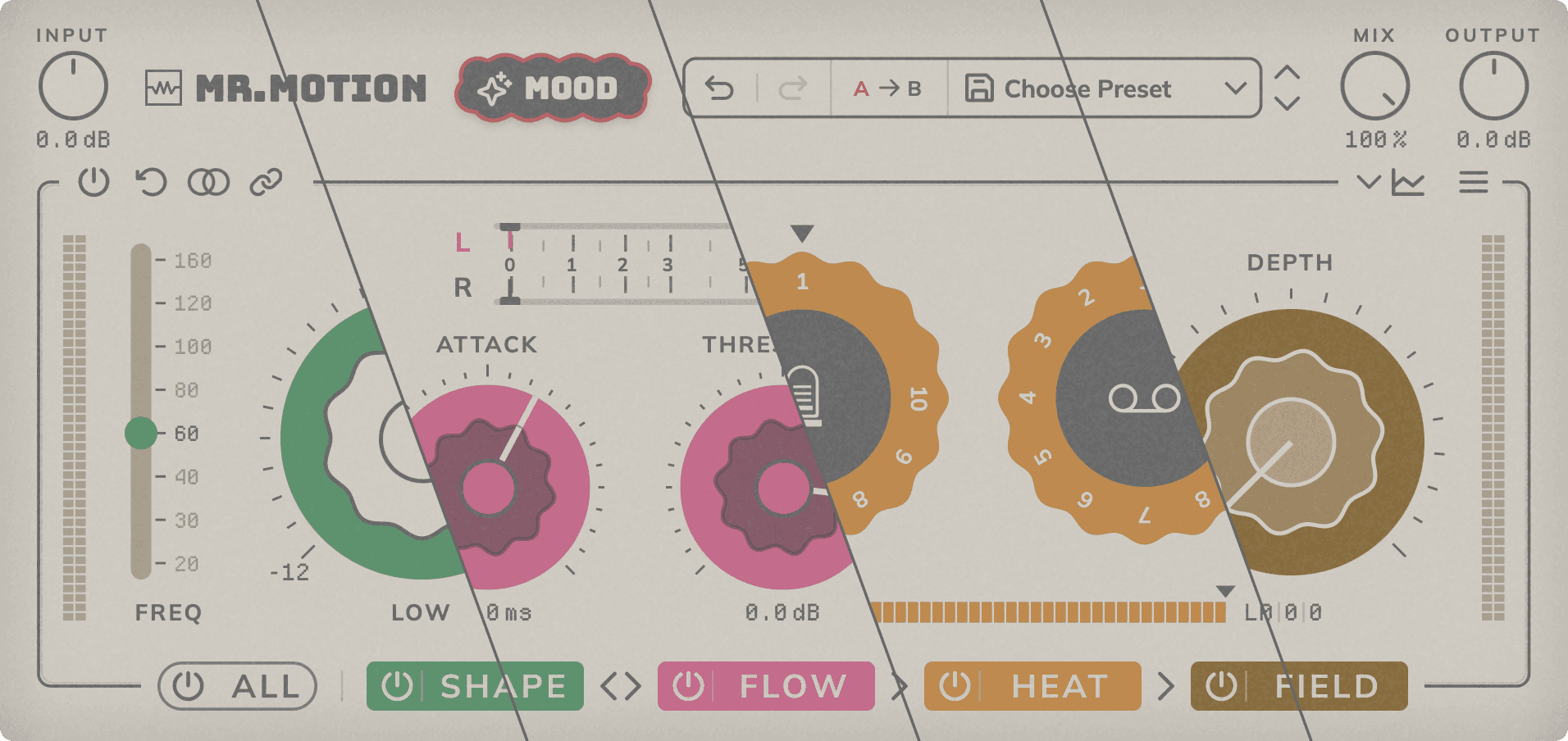
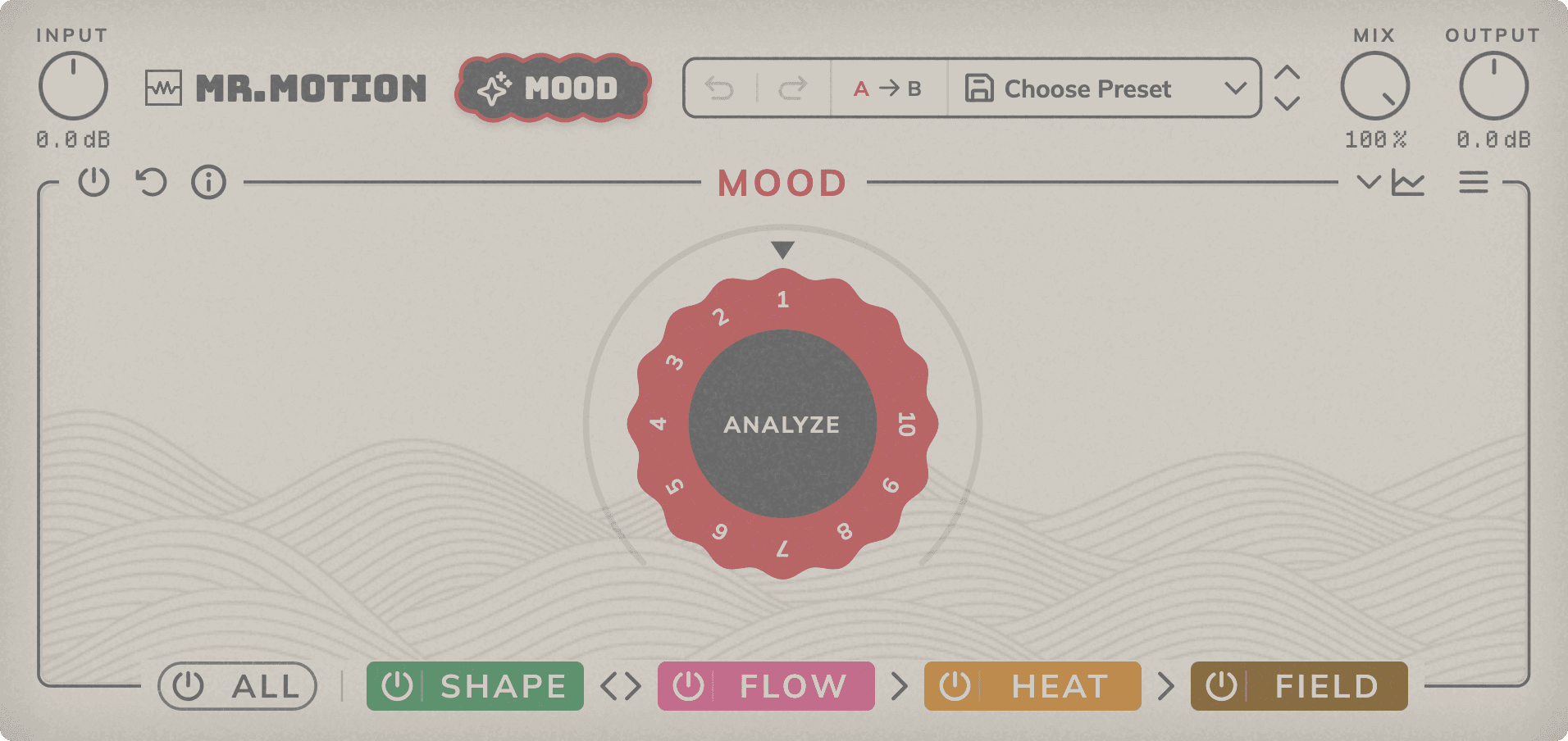
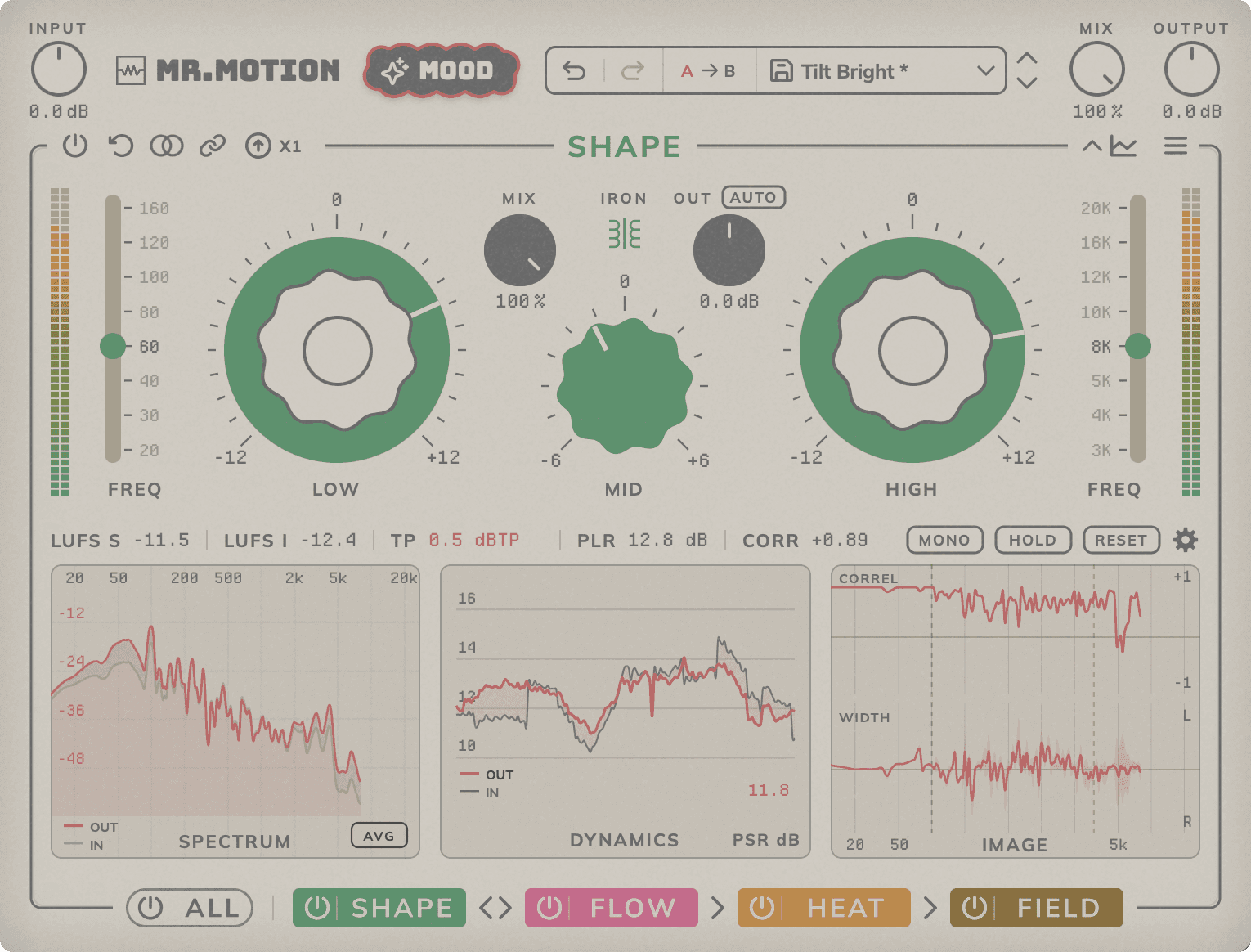
Menu: Theme (Dark / Classic), interface size (75 %, 100 % or 125 %), knob sensitivity (Slow, Normal or Fast) and help: Help Hints, website, support, About and license.
How Mr.Motion works
INPUT is applied before the chain and OUTPUT after it. SHAPE and FLOW can run in either order; HEAT always comes next and FIELD always last. MIX blends the result of the whole chain with the original signal. FIELD works with an FFT and adds a fixed latency (2048 samples up to 50 kHz, about 43 ms at 48 kHz) even when bypassed, plus the oversampling latency; the plugin reports it to the DAW.
Mood
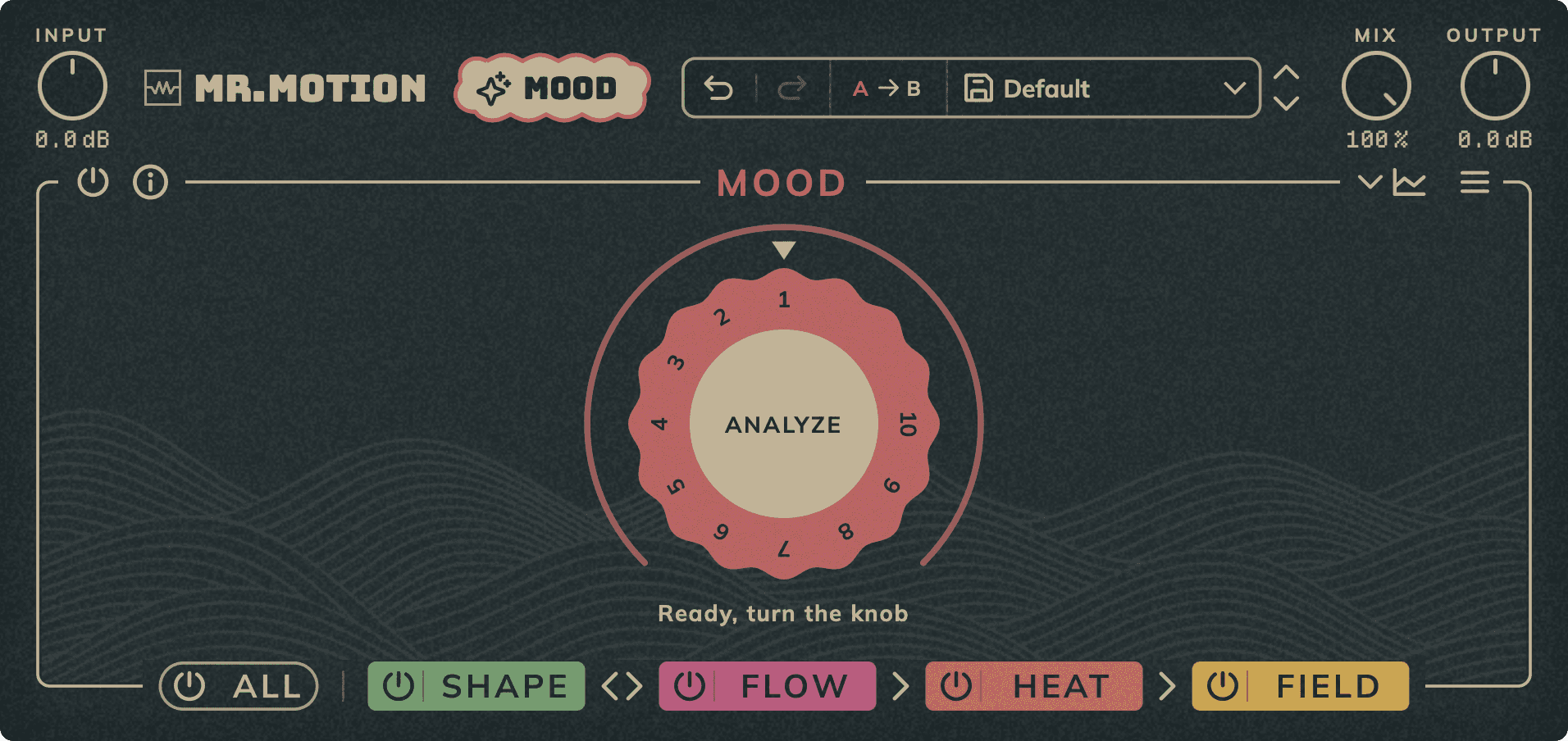
MOOD is not a magic button. It analyzes your song and sets the chain to add colour and life, compensating the output gain of Shape, Flow and Heat. From the analysis curves and the dynamics, density and stereo field data of the analyzed section, it applies a specific, unique preset based on how each processor behaves and responds. No AI: everything is applied following the criteria we have built by analyzing many songs in our mastering studio. Use it as a starting point and adjust to taste.
Analyze: Click the centre of the knob to analyze the song playing (about 10 s). The chain is reset first; CANCEL or UNDO brings it back. If nothing is playing, the plugin asks you to press play.
Mood: After the analysis, from 0 to 100 the chain settings move towards what the song asks for: the EQ and OUT in SHAPE; threshold, attack, SC HPF, Tilt and OUT in FLOW; type, model, amount and OUT in HEAT; and width, phase alignment and crossovers in FIELD. Later tweaks are kept and MOOD adds on top.
Bypass: Bypass MOOD.
Reset: Clears the analysis and sets the knob to 0. Bypass is kept.
Shape
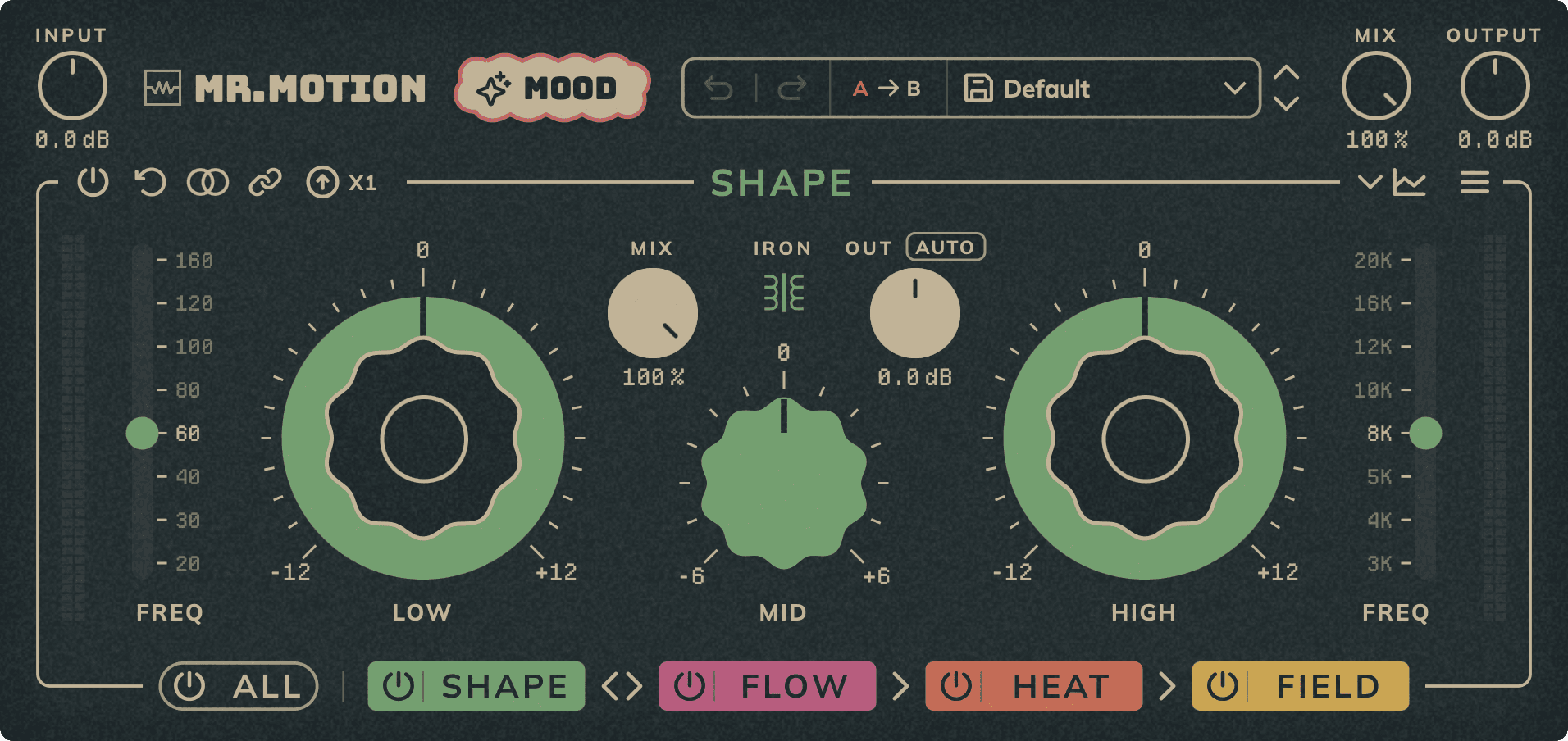
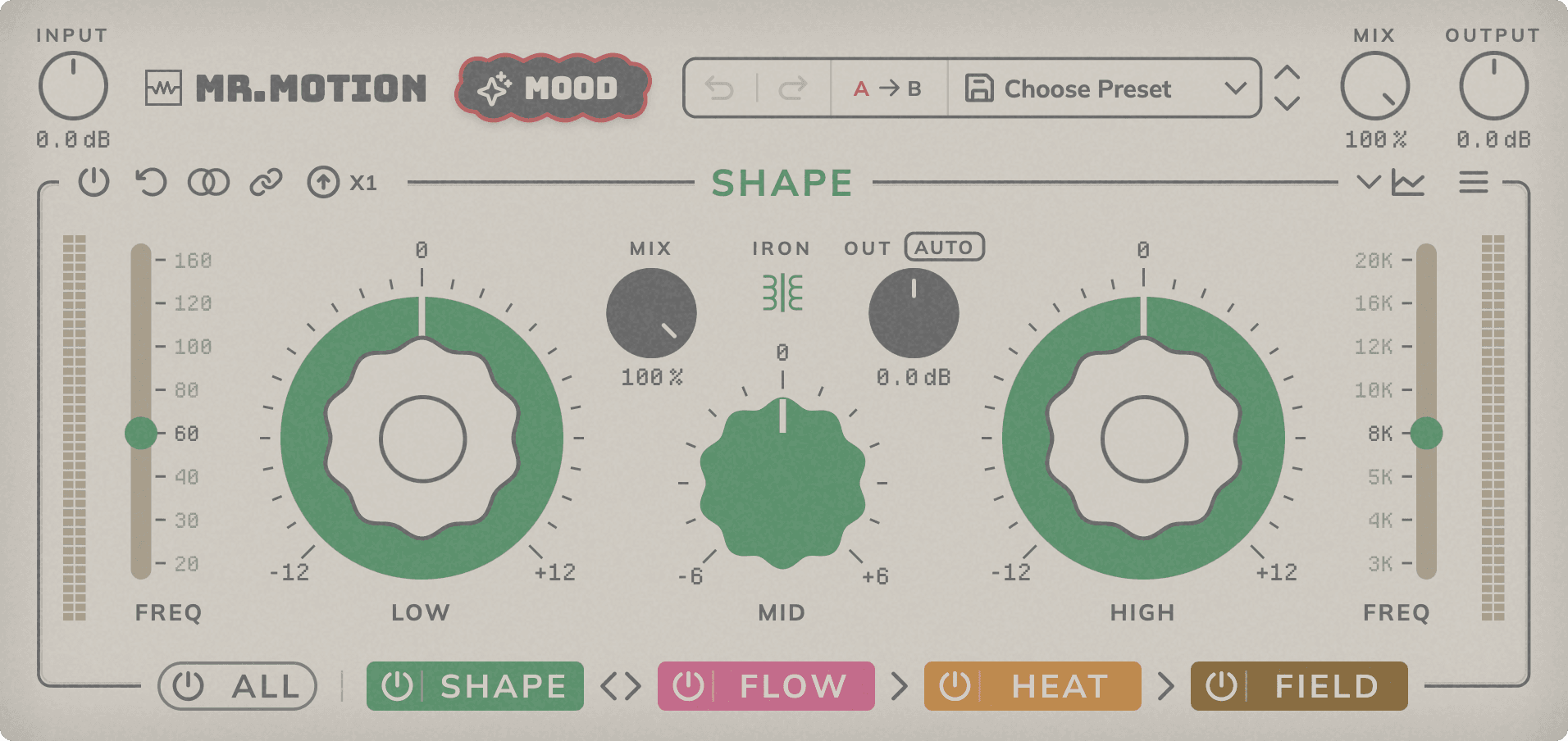
Vintage-style EQ with two broad, stepped-frequency bells (LOW and HIGH) and a mid control (MID), with tube saturation always on and optional iron transformer saturation at the output.
Low / High: Boost or cut, up to 12 dB. The bell starts wide and narrows as gain increases.
Freq: Centre frequency of the LOW or HIGH bell, with 8 fixed positions: LOW at 20, 30, 40, 60, 80, 100, 120 or 160 Hz (60 Hz by default) and HIGH at 3, 4, 5, 8, 10, 12, 16 or 20 kHz (8 kHz by default).
Mid: Boost or cut of the mids, up to 6 dB. Centred between LOW and HIGH, so it moves proportionally with them; the further apart they are, the wider the bell (lower Q).
Iron: Turns the transformer saturation on or off. The tube stays on.
Mix: Dry/wet balance of Shape.
Out / Auto: Level of the processed signal, up to 12 dB up or down, applied before MIX. AUTO measures the level change made by Shape and sets OUT once to compensate it.
Stereo / Mid-Side: EQ in left/right or in mid/side. Tube and transformer always run in left/right. Switching to mid/side unlinks the channels.
Link: Linked: both channels share the same settings. Unlinked: each channel has its own settings and you choose which one you edit.
Oversampling: Oversampling of EQ, tube and transformer (x1 to x8). Keeps the top bells accurate and reduces aliasing, at more CPU and latency.
Bypass / Reset: Bypass Shape or reset all its settings to their default values.
In / Out: Peak level going into Shape and coming out of it, after OUT and MIX.
Flow
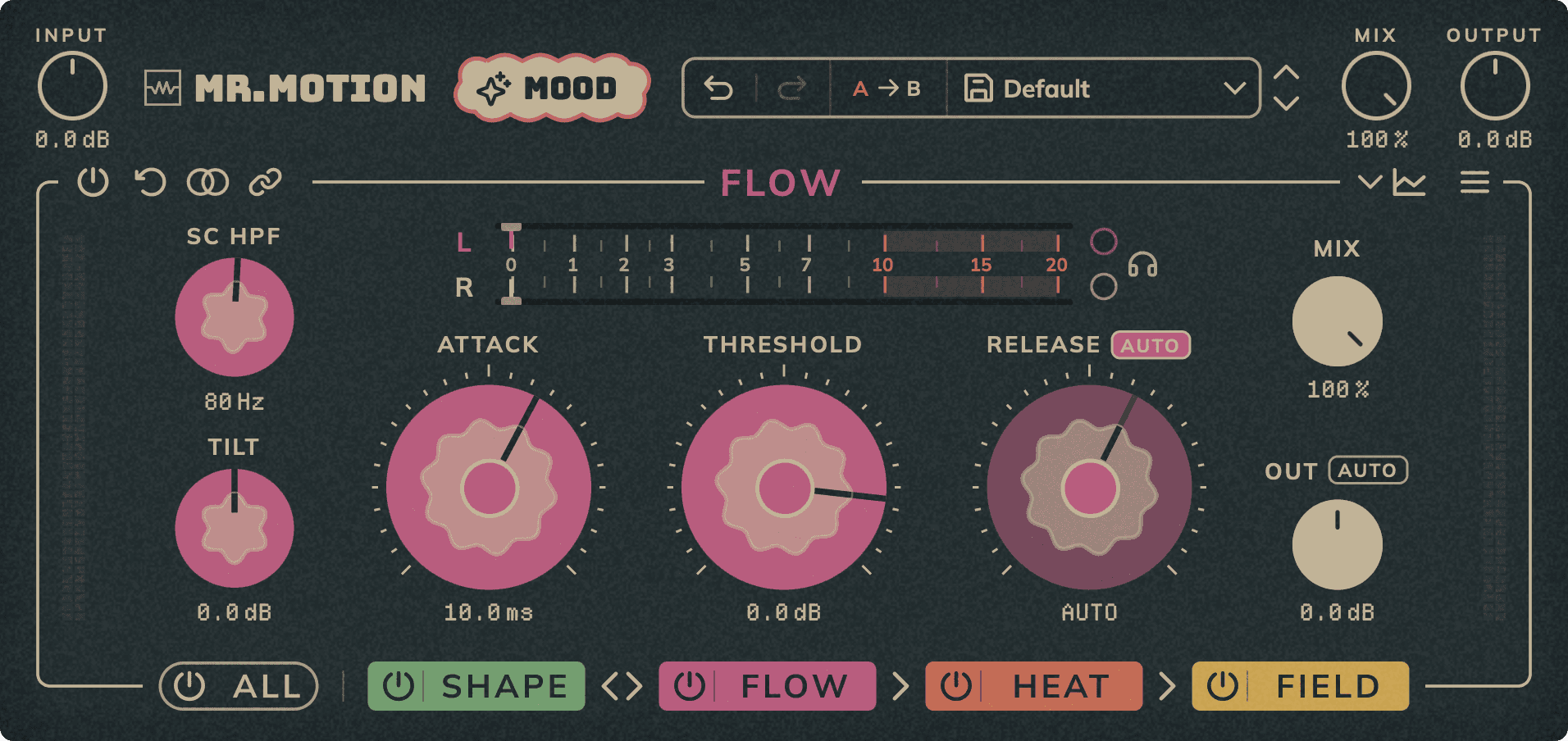
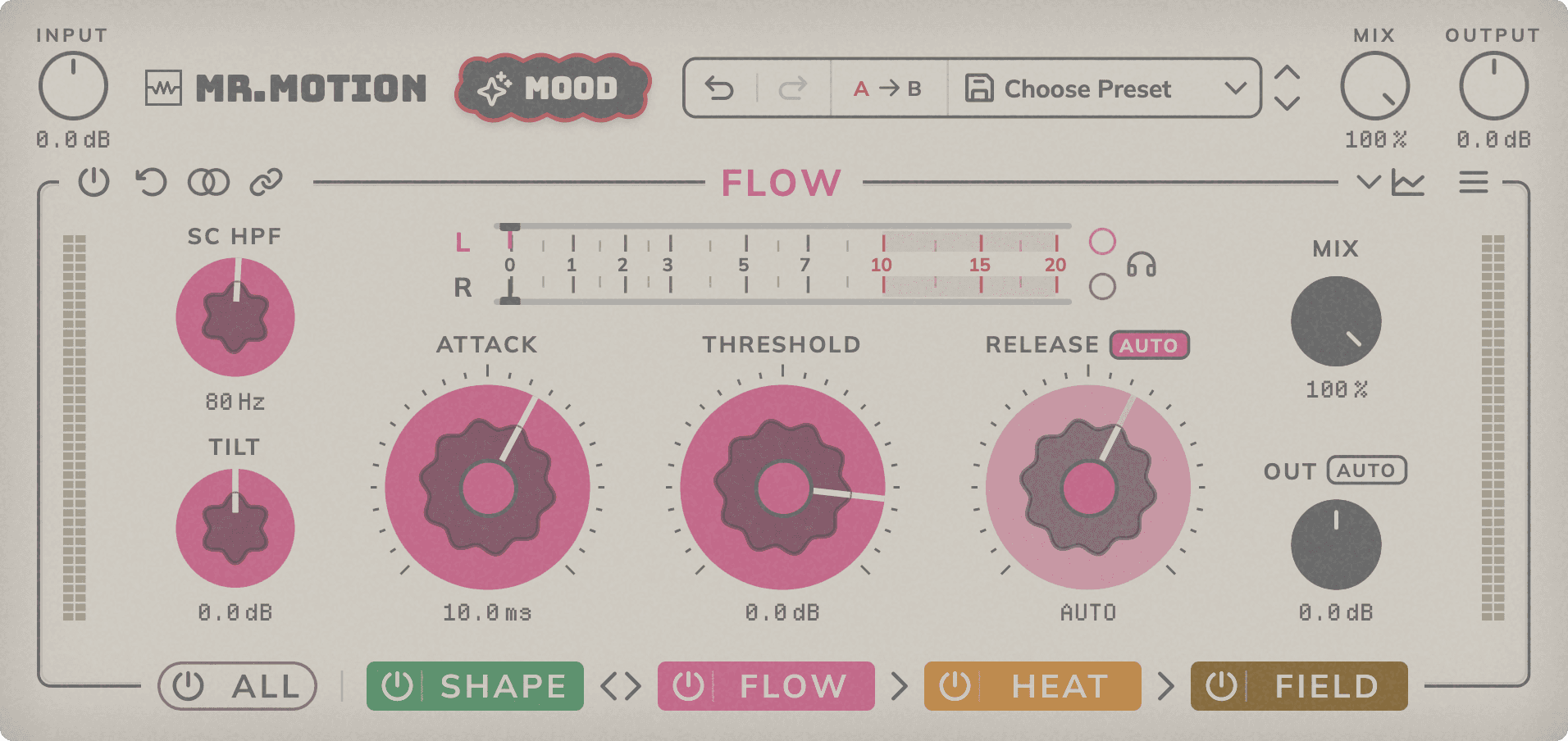
VCA-style compressor with a fixed internal 2:1 ratio (there is no ratio control) and a soft knee, a filterable detector and stereo or mid/side mode.
Threshold: Level around which compression starts, from −60 to +10 dB. The ratio is fixed at 2:1, with a soft knee.
Attack: How fast compression reacts once the signal goes over the threshold, from 0.3 to 100 ms.
Release: How fast compression recovers, from 0.1 to 2 s. The button above selects MAN (uses the knob), AUTO (adapts to the material: faster on transients, slower on dense signals; the knob shows the release time in use) or SYNC (follows the host tempo using the note value set with the knob, from 1/16 to 2/1, max 2 s).
SC HPF: High-pass filter on the detector, up to 300 Hz, so the low end triggers less compression. Off at the lowest position.
Tilt: Tilts the detector up to ±6 dB around 700 Hz to make it more sensitive to highs or to lows.
Out / Auto: Level of the compressed signal, up to 12 dB up or down, applied before MIX. AUTO measures the level change made by the compression and sets OUT once to compensate it.
Mix: Dry/wet balance of Flow, for parallel compression.
Stereo / Mid-Side: Process the signal as left/right or as mid/side.
Link: Linked: both channels share the same settings and the same gain reduction. Unlinked: each channel is compressed on its own; the outer ring sets channel 1 and the inner ring channel 2.
Solo 1 / Solo 2: Listen to channel 1 (L or M) or channel 2 (R or S) alone, in mono.
Gain Reduction: Gain reduction meter of each channel.
In / Out: Peak level going into Flow and coming out of it, after OUT and MIX.
Heat
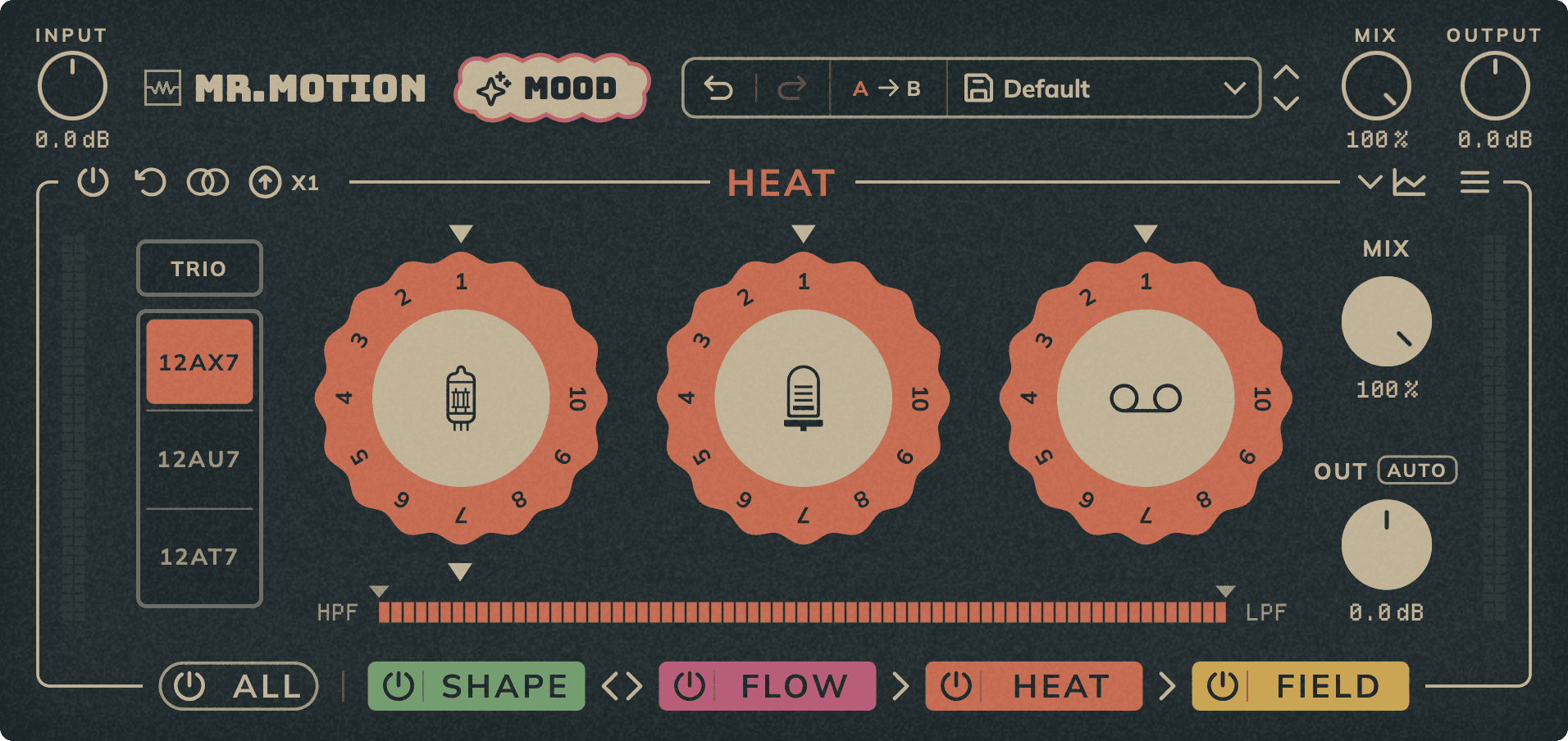
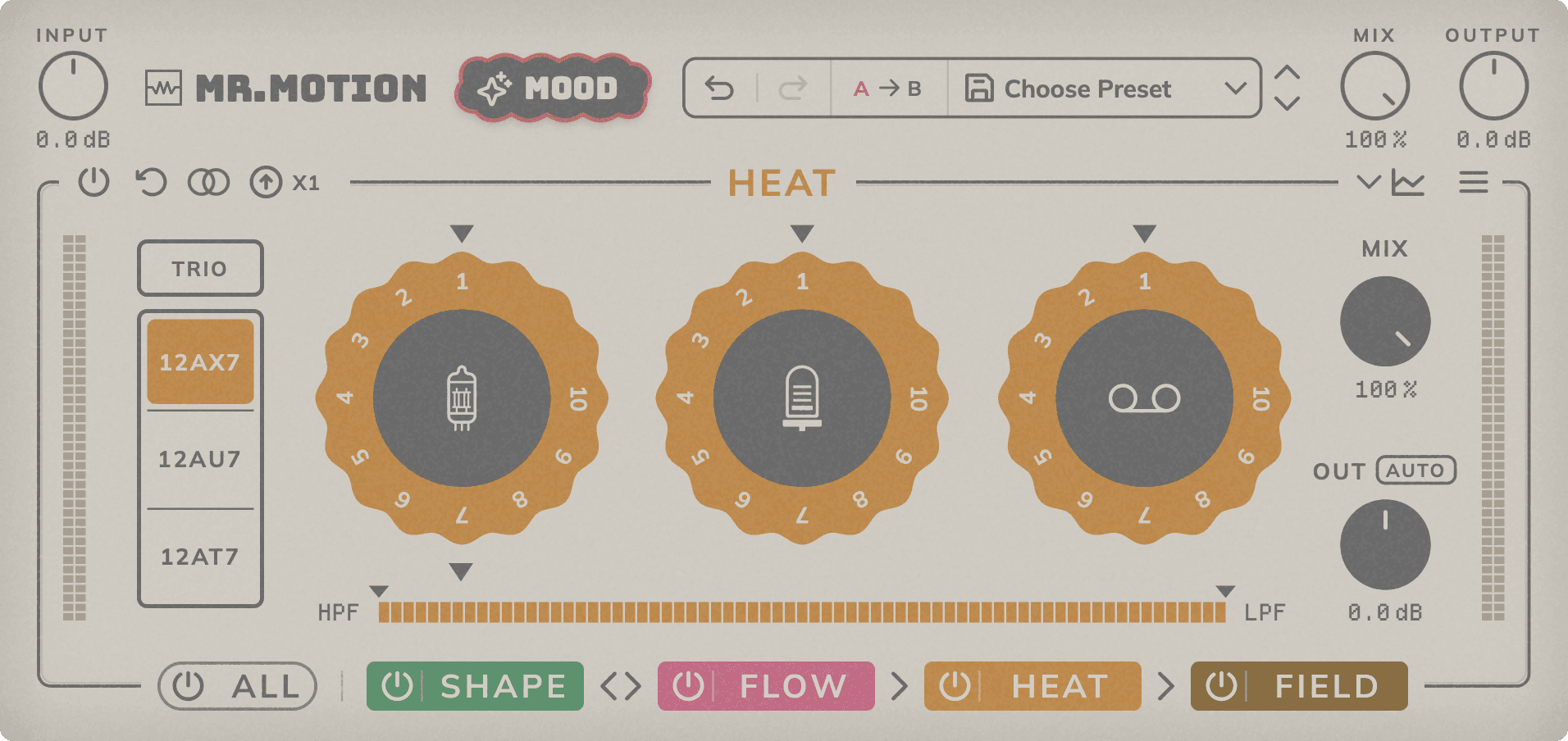
Saturation with three types that add up: triode tube, pentode tube and tape, each with three models and its own frequency band.
Triode / Pentode / Tape: Turn each knob to set the amount of that saturation; the three types add up. Click the centre to show its models and its band; double-click to reset.
Model: Tube or tape model of the selected type (see the model list).
Band (HPF / LPF): Each type keeps its own band. Drag HPF and LPF to limit what gets saturated; the rest stays clean. Drag the band to move both filters. Double-click on the band resets both; near a filter, only that one.
Mix: Dry/wet balance of Heat, for parallel saturation.
Out / Auto: Level of the saturated signal, up to 12 dB up or down, applied before MIX. AUTO measures the level change made by Heat and sets OUT once to compensate it.
Stereo / Mid-Side: Process in left/right or in mid/side. In mid/side you choose whether Heat works only on the mid or only on the side.
Oversampling: Oversampling of the whole Heat saturation (x1 to x8). Reduces aliasing, at more CPU and latency.
In / Out: Peak level going into Heat and coming out of it, after OUT and MIX.
Models
Triode 12AX7: Mostly even harmonics; nearly flat response. The most saturated triode: warm and thick.
Triode 12AU7: Very low even harmonics; nearly flat response. Cleaner, with less gain.
Triode 12AT7: Mostly even harmonics; nearly flat response. Between the 12AX7 and the 12AU7.
Pentode EL34: Mostly odd harmonics; saturates much more as the level rises. Mid-forward and sharp.
Pentode 6L6GC: Even and odd harmonics balanced; the pentode with the least distortion. Smooth, slightly mid-forward.
Pentode KT88: Strong odd harmonics; compresses peaks the most. The most aggressive and sharp pentode.
Tape 388: Odd harmonics only; softened highs. Darker and rounder.
Tape A80: Odd harmonics; boosted lows. Fuller low end.
Tape 102: Odd harmonics; boosted lows and a slight lift in the highs. Full lows, open highs.
Field
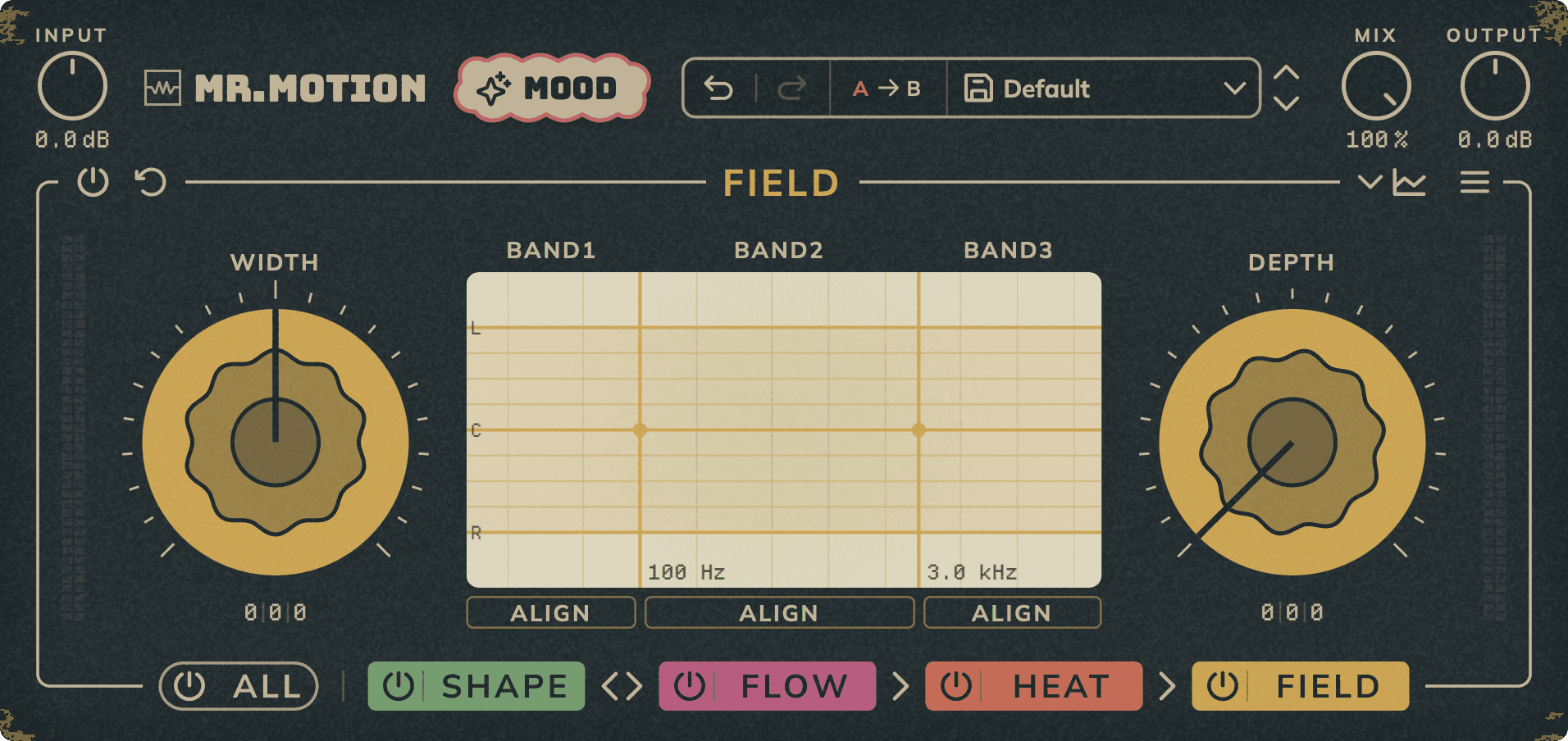
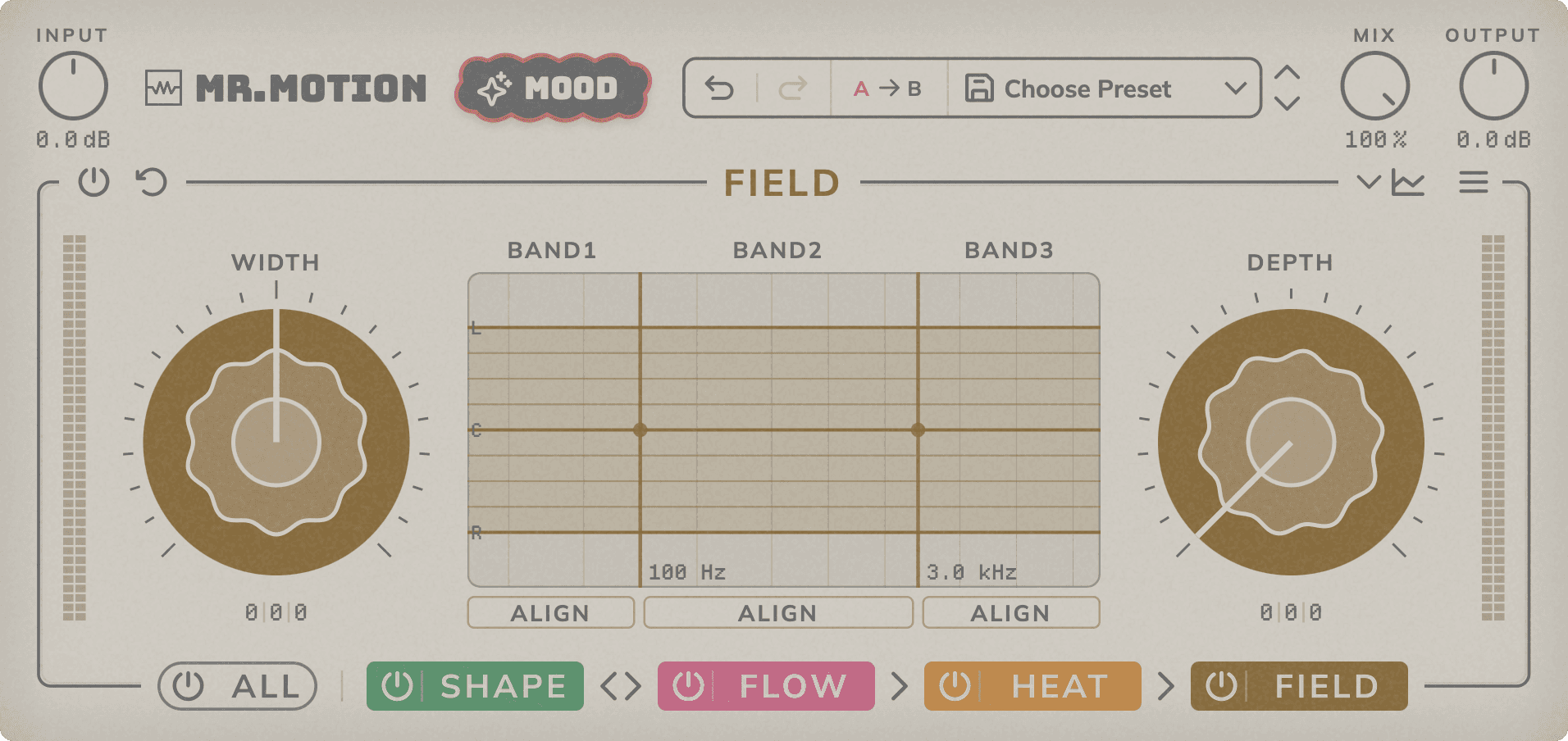
Three-band stereo imaging, with width, depth and phase alignment per band. It always runs last in the chain.
Bands: Dots show each frequency's position between L and R. Reddish dots are out of phase (they lose level in mono); beyond the L/R lines they cancel. Drag the lines to move the crossovers: the first from 20 Hz to 16 kHz (100 Hz by default) and the second from 200 Hz to 20 kHz (3 kHz by default).
Width: Stereo width of each band, from −100 to +100: negative values narrow it, positive values widen it. Band 1 is the outer ring, band 3 the centre.
Depth: Adds spatial depth to each band with a short stereo convolution, from 0 to 100.
Phase Align: Aligns the phase between left and right in that band for a more solid, mono-compatible image.
Bypass / Reset: Bypass Field or reset all its settings to their default values.
In / Out: Peak level going into and coming out of Field.
Analyzer
Drawer panel with the spectrum, the stereo image, the dynamics and the output meters.
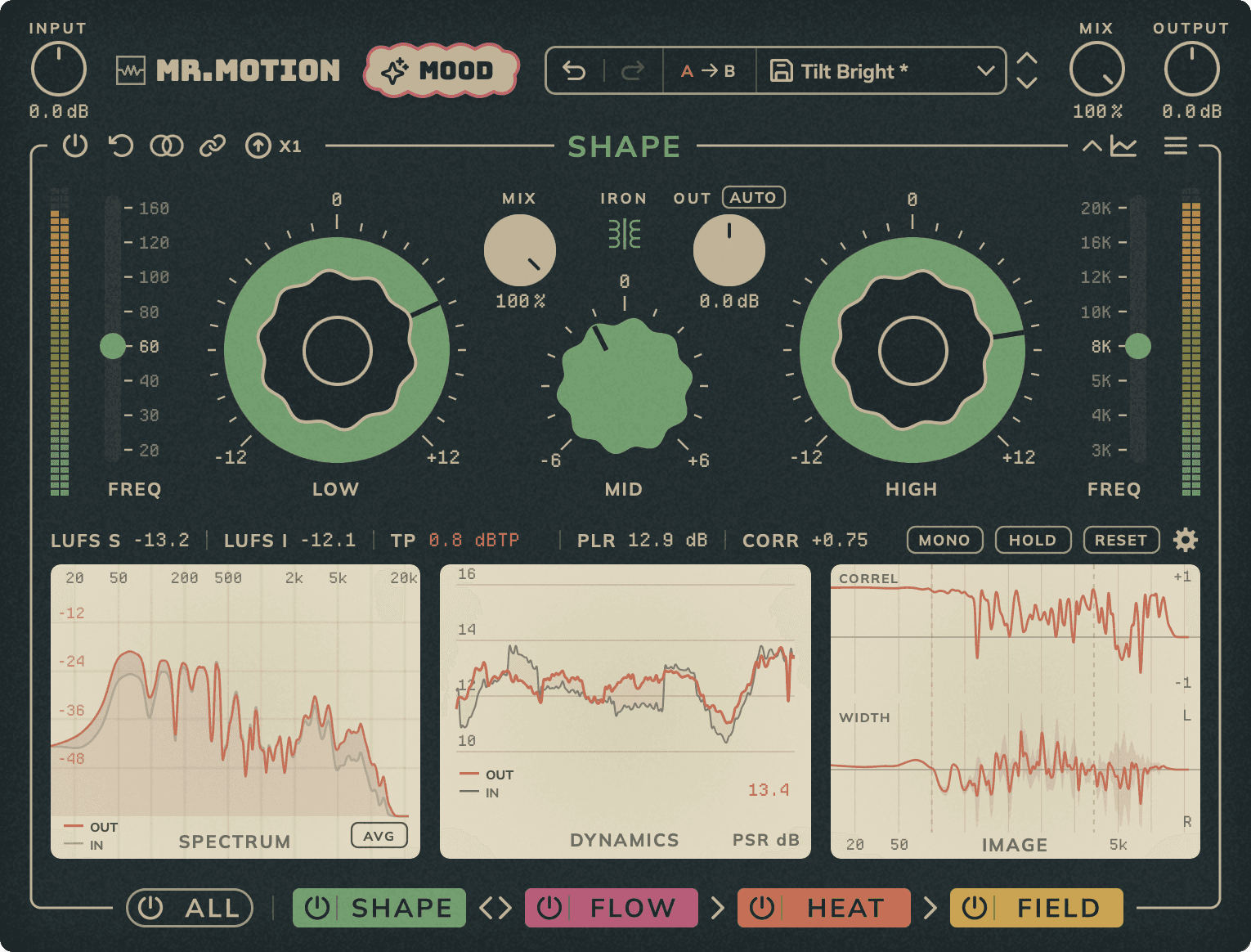
Spectrum / Avg: Frequency spectrum of the input and the output. AVG shows the spectrum averaged since the last reset instead of the instant one.
Stereo Image: Correlation and left/right image of the output, per frequency.
Dynamics: Dynamic range (PSR) of the input and the output.
LUFS S / LUFS I: Short-term loudness of the output (last 3 seconds) and integrated loudness since the last RESET.
TP: True peak of the output since the last RESET. Turns red above the limit (-1 dBTP by default).
PLR: True peak minus integrated loudness. Higher values mean more dynamic range.
Corr: Stereo correlation of the output: +1 is mono, 0 is wide, negative values are out of phase. Turns red below 0, when the mix loses level in mono.
Mono: Sums the plugin output to mono to check mono compatibility.
Hold / Reset: Freeze the analyzers, or clear them and start measuring again.
Settings: Spectrum tilt (0, 3 or 4.5 dB/oct), TP limit (-2, -1 or -0.1 dBTP), correlation speed, smoothing and spectrum floor.
Presets
Mr.Motion includes 30 factory presets in six categories: Mastering, MixBus, Shape EQ, Flow Comp., Heat Sat. and Field Stereo. You can also save your own presets.
System Requirements
- Formats: VST3, AAX (64-bit) and AU (macOS only)
- Platforms: macOS 10.13 or later on Intel and 11.0 or later on Apple Silicon, and Windows 10 (1607) or later (64-bit)
- No iLok required
- Works with all major DAWs, including Ableton Live, Logic Pro, GarageBand, FL Studio, Cubase, Studio One, Reason, Reaper, Bitwig Studio ...
Release notes
1.0.3 – 1.0.4 · November 2026
- 1.0.4: Optimized CPU usage.
- 1.0.3: Internal changes shared with the other plugins. The sound and the interface are unchanged.
1.0.0 – 1.0.2 · September – November 2026
Development and test versions.